
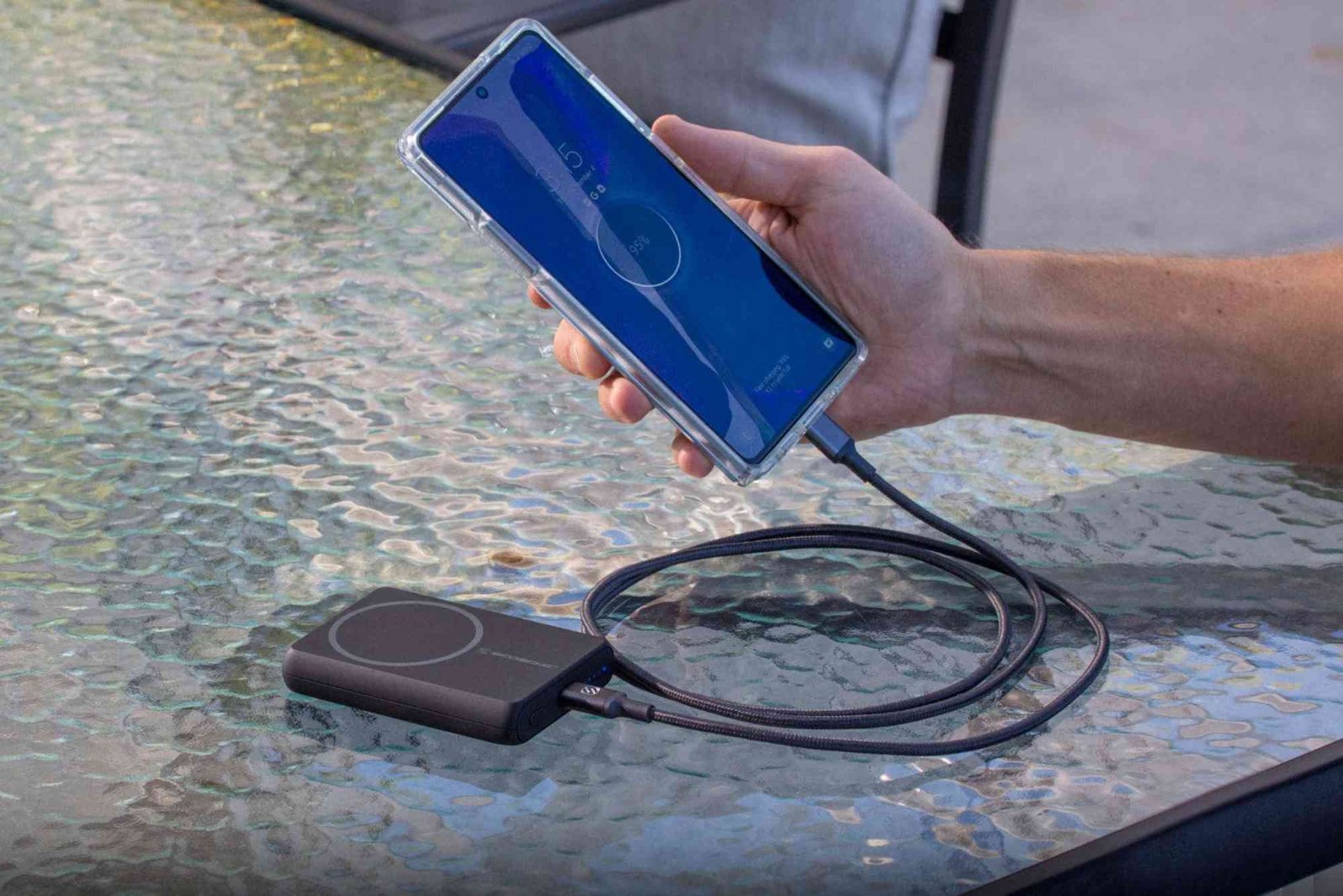
In today’s fast-paced digital world, smartphones have become essential tools for communication, work, and entertainment. However, one of the most common frustrations for users is battery life. No matter how advanced your phone is, it will eventually run out of power if not managed properly. Learning how to save smartphone battery effectively not only extends the device’s usability throughout the day but also helps preserve the battery’s overall lifespan. This guide offers practical, expert-backed strategies to maximize your smartphone battery performance.
Understand Battery Usage Patterns
The first step to saving battery is understanding which apps and services consume the most power. Modern smartphones provide detailed battery usage statistics in the settings menu. By checking these insights, you can identify apps that drain your battery excessively. Social media platforms, streaming apps, and GPS navigation are often the biggest culprits. Once you know the power-hungry apps, you can manage their usage more efficiently, such as closing them when not in use or restricting background activity.
Optimize Screen Settings
The display is one of the largest consumers of battery in any smartphone. Reducing screen brightness, enabling adaptive brightness, and shortening the screen timeout period can significantly conserve power. Dark mode, available on most modern phones, reduces energy consumption, especially on OLED and AMOLED screens. Additionally, turning off dynamic wallpapers and unnecessary animations can further minimize battery drain.
Manage Connectivity Wisely
Wireless connectivity features like Wi-Fi, Bluetooth, GPS, and mobile data can quickly deplete your battery if left on continuously. Turning off these features when not in use is a simple yet effective way to extend battery life. For instance, you don’t need Bluetooth active if you are not using wireless headphones. Similarly, using Wi-Fi over mobile data when available consumes less battery. Location services can be restricted to specific apps rather than running constantly in the background, helping your phone last longer.
Control Background Apps and Notifications
Apps running in the background often refresh content, send notifications, and update location, all of which consume battery. Adjusting background app activity in the phone’s settings allows essential apps to run while limiting unnecessary processes. Notifications can also be managed to reduce battery use. Disabling push notifications for apps that are not critical minimizes constant wake-ups of the phone and saves power.
Use Battery Saver Modes
Most smartphones come with built-in battery saver modes designed to extend battery life during critical periods. These modes limit background processes, reduce performance, and adjust screen brightness automatically. Activating battery saver mode when your charge is low can keep your phone running longer, especially during travel or busy workdays. Some phones also have ultra battery saver modes that allow only essential functions to operate, which is helpful in emergencies.

Optimize App Usage and Updates
Keeping apps updated ensures they run efficiently, as developers often release updates that improve battery optimization. Conversely, poorly optimized apps can consume excessive power. Uninstalling unnecessary apps or replacing high-energy apps with lighter alternatives can reduce battery drain. For example, using a lite version of a social media app instead of the full version significantly lowers energy consumption.
Monitor Charging Habits
How you charge your phone affects both immediate battery life and long-term health. Avoid letting your phone battery drop to zero frequently, and try to keep it between 20% and 80% for optimal longevity. Fast charging is convenient but generates more heat, which can reduce battery lifespan if used excessively. Whenever possible, charge your phone at a moderate pace and avoid overnight charging that keeps the device at 100% for hours. Using certified chargers and cables ensures safe and efficient charging.
Reduce Power-Hungry Features
Certain smartphone features can drain battery quickly without being obvious. Widgets, live wallpapers, and automatic app refresh are examples of functions that consume energy constantly. Limiting or disabling these features can make a noticeable difference in battery performance. Similarly, reducing haptic feedback, keyboard sounds, and vibration alerts saves energy over time. Even turning off unnecessary location-based reminders or digital assistants when not needed can contribute to longer battery life.
Keep Software Updated
Smartphone manufacturers frequently release software updates that include battery optimization improvements. Running outdated software may cause inefficient battery usage or unexpected drains. Regularly updating your phone ensures that it benefits from the latest optimizations and bug fixes. Additionally, new operating system features sometimes allow more granular control over power management, which can further extend battery life.
Temperature Control Matters
Extreme temperatures negatively impact battery performance. High heat can cause rapid discharge and long-term damage, while very cold conditions can temporarily reduce battery efficiency. Avoid leaving your phone in direct sunlight or inside a hot car. Similarly, exposing it to freezing conditions should be avoided. Maintaining a moderate temperature ensures consistent performance and protects battery health.
Use Power-Efficient Apps and Settings
Some apps are designed to be more energy-efficient, especially those that do not require constant internet connection or heavy processing. Choosing these alternatives for daily tasks can reduce overall battery drain. Moreover, adjusting app settings for lower data consumption, fewer notifications, and minimal background activity improves efficiency. Even using offline modes for streaming apps when possible decreases power usage considerably.
Practice Smart Multitasking
Multitasking may seem convenient, but running many apps simultaneously consumes battery. Closing apps that are not actively in use reduces strain on the processor and saves power. Smartphones with advanced task managers allow users to monitor and close unnecessary processes, which can improve both battery life and device performance.
Utilize Adaptive Battery Features
Modern smartphones often include adaptive battery settings that use artificial intelligence to learn usage patterns. By analyzing how and when you use apps, the phone prioritizes power allocation to frequently used applications while limiting energy to seldom-used ones. Enabling adaptive battery features can significantly improve overall efficiency and extend battery life without requiring constant manual adjustments.
Limit Streaming and Gaming Sessions
Streaming videos, music, or playing high-performance games consumes substantial battery power. Reducing the frequency and duration of these activities can help preserve energy. Additionally, lowering in-app settings such as video quality or graphics intensity can decrease the power required. Listening to downloaded music or watching downloaded videos offline is also a smart strategy to conserve battery.
Saving smartphone battery effectively is a combination of understanding usage patterns, adjusting settings, and adopting healthy charging habits. By implementing the strategies discussed, including optimizing screen brightness, managing connectivity, controlling background apps, and using battery saver modes, you can extend daily battery life and preserve long-term battery health. A well-maintained battery not only enhances convenience but also ensures your phone remains reliable throughout its lifespan.
Taking proactive steps now can prevent unnecessary stress caused by unexpected low battery notifications. Start by monitoring your usage and making small adjustments to settings and app behavior. Over time, these efforts accumulate, providing significant improvements in battery performance. By following these tips, your smartphone will last longer, and you will enjoy uninterrupted connectivity wherever you go. If you found these strategies helpful, implement them today and share your results. For more tips on maximizing your smartphone performance and battery life, explore our other guides and stay updated with the latest technology insights.
Discover how AI is transforming classrooms and learning experiences around the world. From personalized learning to smarter assessments, technology is reshaping education. Explore more about the role of AI technology in education here
FAQs
How can I make my smartphone battery last longer during the day?
Reduce screen brightness, limit background apps, use battery saver mode, and turn off unused connectivity features.
Is it bad to charge my phone overnight?
Prolonged charging at 100% can generate heat and slightly reduce battery lifespan over time. Moderate charging is better.
Do apps drain battery even when not in use?
Yes, apps running in the background or sending notifications continuously consume power.
Does using dark mode save battery?
Yes, especially on OLED and AMOLED screens, dark mode reduces energy consumption.
How often should I update my phone for battery optimization?
Regular updates are recommended as they often include improvements to battery management and efficiency.