Introduction
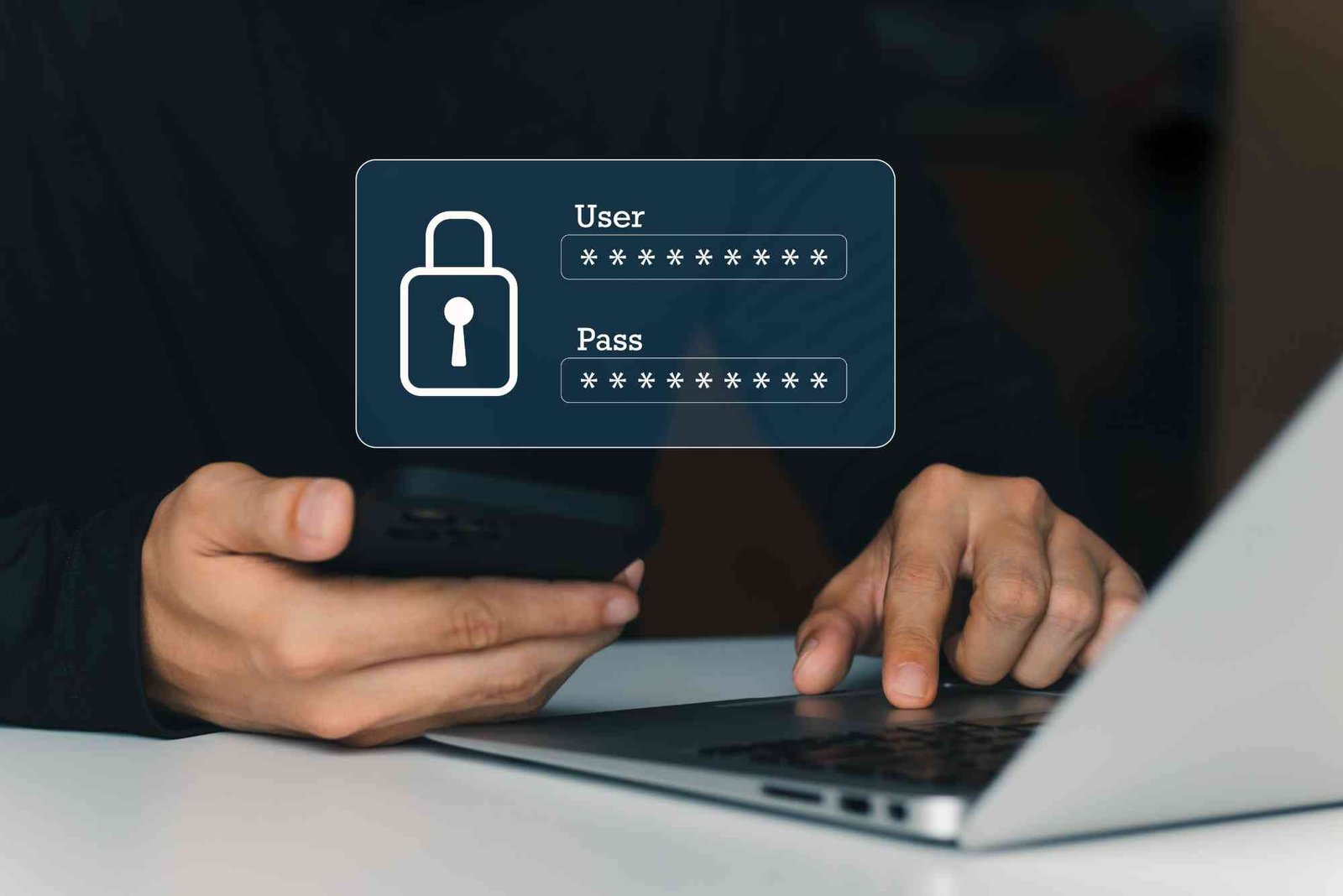
In the digital era, protecting your online accounts has become more important than ever. Every day, cyber threats grow more sophisticated, and simple passwords are no longer enough to keep your information safe. Knowing how to create a strong and secure password is essential for protecting your personal data, financial details, and even your professional information. In this guide, we will explore proven strategies, practical tips, and expert advice to ensure your passwords are robust and resistant to hacking attempts.
Understanding the Importance of Strong Passwords
Passwords serve as the first line of defense against unauthorized access. Weak passwords are often the easiest target for cybercriminals. Hackers can exploit predictable patterns, personal information, or common phrases to break into accounts. Using strong and secure passwords reduces the risk of identity theft, financial loss, and data breaches. Creating a unique password for each account is equally important because reusing passwords across multiple platforms increases vulnerability.
Strong passwords protect more than your personal accounts. For businesses, weak employee passwords can jeopardize entire networks. Cybersecurity experts emphasize that password strength is crucial not only for individuals but also for organizations that manage sensitive data.
Characteristics of a Strong Password
A strong password is more than just a combination of letters and numbers. It should be complex enough to resist automated attacks while remaining memorable for the user. There are several key characteristics to consider:
Length Matters Most
Longer passwords are inherently stronger. While short passwords may be easier to remember, they are more vulnerable to brute force attacks. Experts recommend using passwords with at least 12 to 16 characters. The longer the password, the more difficult it becomes for hackers to guess or crack.
Include a Mix of Characters
A secure password includes a combination of uppercase letters, lowercase letters, numbers, and special characters. This diversity adds complexity, making it much harder for attackers to predict. Avoid predictable patterns, such as “Password123” or “Qwerty2026,” which are common and easy to guess.

Avoid Personal Information
Passwords that include birthdays, names, or other personal details are highly vulnerable. Hackers often use social engineering techniques to gather this information and crack accounts. Strong passwords should avoid any connections to your personal life or easily accessible information.
Use Randomness
Random sequences of characters are much harder to guess than meaningful words or phrases. Avoid dictionary words or common phrases unless combined with numbers and symbols in unpredictable ways. Randomness makes your password resilient against dictionary attacks.
Unique Passwords for Every Account
One of the most common mistakes is reusing the same password across multiple accounts. If one account is compromised, all other accounts using the same password become vulnerable. Creating unique passwords for each service ensures that a single breach does not lead to widespread damage.
Methods to Create Strong Passwords
There are several techniques to generate secure passwords effectively. Understanding these methods will help you balance security and usability.
Using a Passphrase
A passphrase is a sequence of words that is easy to remember but hard to guess. For example, instead of “Summer2026,” you might use “BlueElephantRuns$7Fast.” Incorporating unrelated words, numbers, and symbols increases complexity without sacrificing memorability.
Password Managers
Password managers are tools that generate and store complex passwords for you. They remove the need to remember every password individually. A good password manager encrypts your passwords, keeping them safe while allowing easy access when needed. This approach is especially useful for users managing multiple accounts.
Substitution Techniques
Substitution involves replacing letters with numbers or symbols in a way that is memorable. For instance, you can transform “Security” into “S3cur!ty.” While not foolproof on its own, combining substitution with length and randomness can make a password much stronger.
Avoiding Predictable Patterns
Simple patterns, like sequential numbers, keyboard paths, or repeated characters, are easy for attackers to exploit. Avoid using “123456,” “abcdef,” or “qwerty” sequences. Instead, focus on creating combinations that appear random to anyone other than you.
Two-Factor Authentication Integration
While not a password itself, using two-factor authentication (2FA) greatly enhances security. Even if your password is compromised, 2FA provides an additional layer of protection. Methods such as authenticator apps, SMS codes, or biometric verification reduce the likelihood of unauthorized access.
Common Password Mistakes to Avoid
Even with strong password strategies, certain behaviors can undermine security. Awareness of these pitfalls helps maintain account protection.
Reusing Passwords
As mentioned earlier, using the same password for multiple accounts is risky. If one account is breached, others are exposed. Always create unique passwords for every platform.
Short and Simple Passwords
Passwords like “admin,” “password,” or “111111” are extremely vulnerable. Short and predictable passwords are easy for hackers to crack using automated tools. Always aim for longer, more complex combinations.
Writing Passwords Down
Writing passwords on paper or storing them in unencrypted files increases the risk of theft. If someone finds these notes, they can access your accounts instantly. Use password managers or secure encrypted storage instead.
Sharing Passwords
Sharing passwords with friends or colleagues can compromise security. Even if the intention is harmless, it creates potential vulnerabilities. Encourage personal responsibility for password security in shared environments.
Tips for Remembering Strong Passwords
A common challenge is remembering complex passwords. Here are effective strategies:
Create Meaningful Associations
Associating your password with a story, image, or phrase can make it easier to recall. For example, combining your favorite color, pet’s name, and a memorable number creates a strong yet memorable password.
Use a Password Manager
Password managers eliminate the need to memorize multiple passwords. They generate secure passwords and fill them automatically during login. Many password managers also offer secure notes, password strength assessments, and breach alerts.
Regularly Update Passwords
Even strong passwords can become vulnerable over time. Updating passwords periodically reduces risk, especially for sensitive accounts like banking or email. Set reminders to refresh passwords every six months to a year.
Test Your Password Strength
Online tools can evaluate the strength of your passwords. Look for tools that measure length, complexity, and predictability. Avoid using publicly accessible testing tools for passwords that are already in use to maintain security.
Knowing how to create a strong and secure password is a fundamental step in protecting yourself in the digital age. Strong passwords combine length, complexity, randomness, and uniqueness. Avoid predictable patterns, personal information, and password reuse. Utilize tools like password managers and two-factor authentication to enhance security further. By taking these precautions, you can reduce the risk of hacking, data breaches, and identity theft significantly. Start applying these techniques today and make your online accounts resilient against cyber threats.
Protecting your digital life starts with a single strong password. Take the time to create one today and safeguard your personal information. The security of your accounts depends on the choices you make now. Don’t wait for a breach to happen—be proactive and stay safe.
Smartphone batteries drain fast with heavy use, but simple habits can help. Lower screen brightness, close unused apps, and turn off location or Bluetooth when not needed. Using battery saver mode and limiting background activity extends charge. Regularly updating apps and avoiding extreme temperatures also preserves battery health. Learn practical tips to keep your phone running longer with minimal effort.
FAQ
What makes a password strong?
A strong password is long, unique, and includes uppercase and lowercase letters, numbers, and symbols. Avoid predictable phrases or personal information.
How often should I change my password?
For sensitive accounts like email or banking, change passwords every six months to a year. Frequent updates reduce the risk of long-term breaches.
Can I use the same password for multiple accounts?
No. Using the same password increases risk. If one account is compromised, all accounts using the same password become vulnerable.
Are passphrases better than regular passwords?
Yes. Passphrases are longer and often easier to remember while remaining secure. Combining unrelated words, numbers, and symbols strengthens them further.
Should I use a password manager?
Absolutely. Password managers generate, store, and autofill secure passwords. They reduce the burden of remembering multiple complex passwords.
Does two-factor authentication replace strong passwords?
No. 2FA adds an extra layer of security but does not replace the need for strong passwords. Both should be used together for maximum protection.