
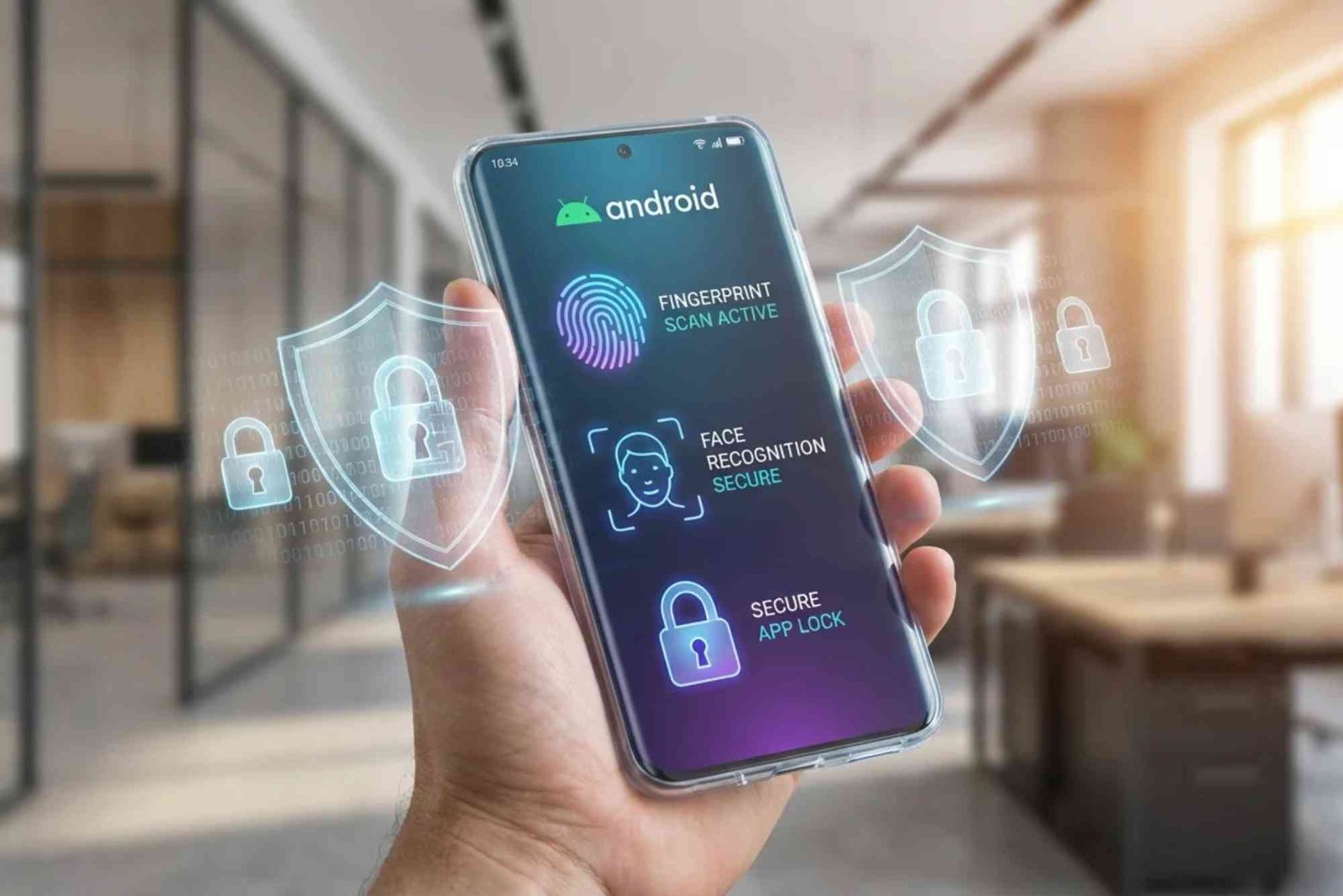
Introduction
In today’s digital age, gadgets like smartphones, laptops, and tablets have become essential tools for work, communication, and entertainment. However, these devices are constantly exposed to security threats, including malware, phishing attacks, ransomware, and unauthorized access. Protecting your gadgets is no longer optional—it’s essential for safeguarding your personal data, finances, and online identity. In this guide, we’ll explore effective strategies to secure your devices and keep cyber threats at bay.
Why Gadget Security Matters
Gadgets store a vast amount of personal and professional information, from bank credentials to sensitive emails and photos. If compromised, this data can lead to identity theft, financial loss, or even blackmail. Moreover, infected gadgets can spread malware to other devices, affecting friends, family, or colleagues. Understanding the risks is the first step toward proactive protection.
Common Security Threats for Gadgets
Malware and Vruses
Malware is malicious software designed to damage or gain unauthorized access to your device. Viruses, a type of malware, can slow down your gadget, corrupt files, or steal information. Common sources include infected downloads, email attachments, or malicious websites.
Phishing Attacks
Phishing attacks involve deceptive emails or messages that trick users into revealing personal information like passwords or credit card numbers. These attacks often appear as official communications from banks, social media platforms, or e-commerce sites.
Ransomware
Ransomware locks your device or encrypts your files until a ransom is paid. It spreads through malicious links, downloads, or attachments. Unlike viruses, ransomware directly targets your data and demands payment, often in cryptocurrency.
Public Wi-Fi Vulnerabilities
Using public Wi-Fi networks exposes gadgets to hackers who can intercept data transfers. Without proper encryption, sensitive information like passwords, bank details, and personal messages can be stolen.
Practical Ways to Protect Your Gadgets
Keep Your Software Updated
Regularly updating your operating system, apps, and antivirus software ensures that known security vulnerabilities are patched. Most attacks exploit outdated software, making updates one of the simplest and most effective protections.
Use Strong, Unique Passwords
A strong password combines letters, numbers, and special characters. Avoid using the same password across multiple accounts. Consider using a password manager to securely store and generate complex passwords.
Enable Two-Factor Authentication (2FA)
2FA adds an extra layer of protection by requiring a second verification method, such as a text message or authentication app. Even if a password is compromised, 2FA can prevent unauthorized access.
Install Reliable Security Software
Antivirus and anti-malware programs help detect and remove threats before they can harm your device. Choose reputable software and enable real-time scanning for maximum protection.
Be Cautious with Downloads
Only download apps or files from official app stores or trusted websites. Avoid clicking on suspicious links, email attachments, or pop-ups that may contain malware.
Backup Your Data Regularly
Regular backups ensure that your important data can be restored in case of theft, malware, or accidental deletion. Cloud storage and external hard drives are reliable options for keeping backups safe.
Secure Your Network
Use encrypted Wi-Fi at home and avoid unprotected public networks. Virtual Private Networks (VPNs) encrypt your internet traffic, reducing the risk of data interception.
Manage Permissions and Privacy Settings
Limit app permissions to only what is necessary. For example, a simple game app shouldn’t need access to your microphone or contacts. Regularly review privacy settings on your devices and apps.
Physically Protect Your Devices
Security isn’t just digital. Use device locks, tracking apps, and cases to prevent theft or unauthorized physical access. Devices left unattended in public spaces are vulnerable targets.
Best Practices for Ongoing Security
Educate Yourself About Threats
Stay informed about the latest cyber threats, scams, and security best practices. Many attacks succeed because users are unaware of risks.
Monitor Your Accounts Regularly
Check bank statements, social media accounts, and online services for suspicious activity. Early detection can prevent bigger problems.
Avoid Oversharing Online
Sharing too much personal information on social media can make you a target for identity theft or phishing attacks. Limit what you post publicly and adjust privacy settings.
Use Device Encryption
Encrypting your device ensures that even if it’s stolen, your data remains unreadable without the correct password. Most modern devices offer built-in encryption options.
Protecting your gadgets from security threats requires a combination of technical measures, smart habits, and constant vigilance. By updating software, using strong passwords, employing security software, and practicing safe online behavior, you can significantly reduce your risk of cyberattacks.
FAQs
How can I tell if my gadget is infected with malware?
Common signs include slow performance, unexpected pop-ups, apps crashing, unusual battery drain, or unknown programs running in the background.
Is antivirus software enough to protect my gadgets?
Antivirus is essential but not enough. Combine it with strong passwords, 2FA, updates, and cautious online behavior for full protection.
Can public Wi-Fi really put my device at risk?
Yes. Hackers can intercept data on unsecured networks. Using a VPN or avoiding sensitive activities on public Wi-Fi can reduce the risk.
How often should I back up my data?
Ideally, perform regular backups weekly or daily for critical data. Use both cloud storage and physical backups for redundancy.
What’s the most important step in gadget security?
While all steps are important, staying informed and cautious online is the most effective long-term protection.
The Evolution of Network Security Technology has transformed the way we protect digital data. From simple firewalls and antivirus software to advanced AI-driven threat detection and zero-trust architectures, network security has continuously adapted to evolving cyber threats. Staying updated is crucial to safeguard sensitive information in today’s connected world.