
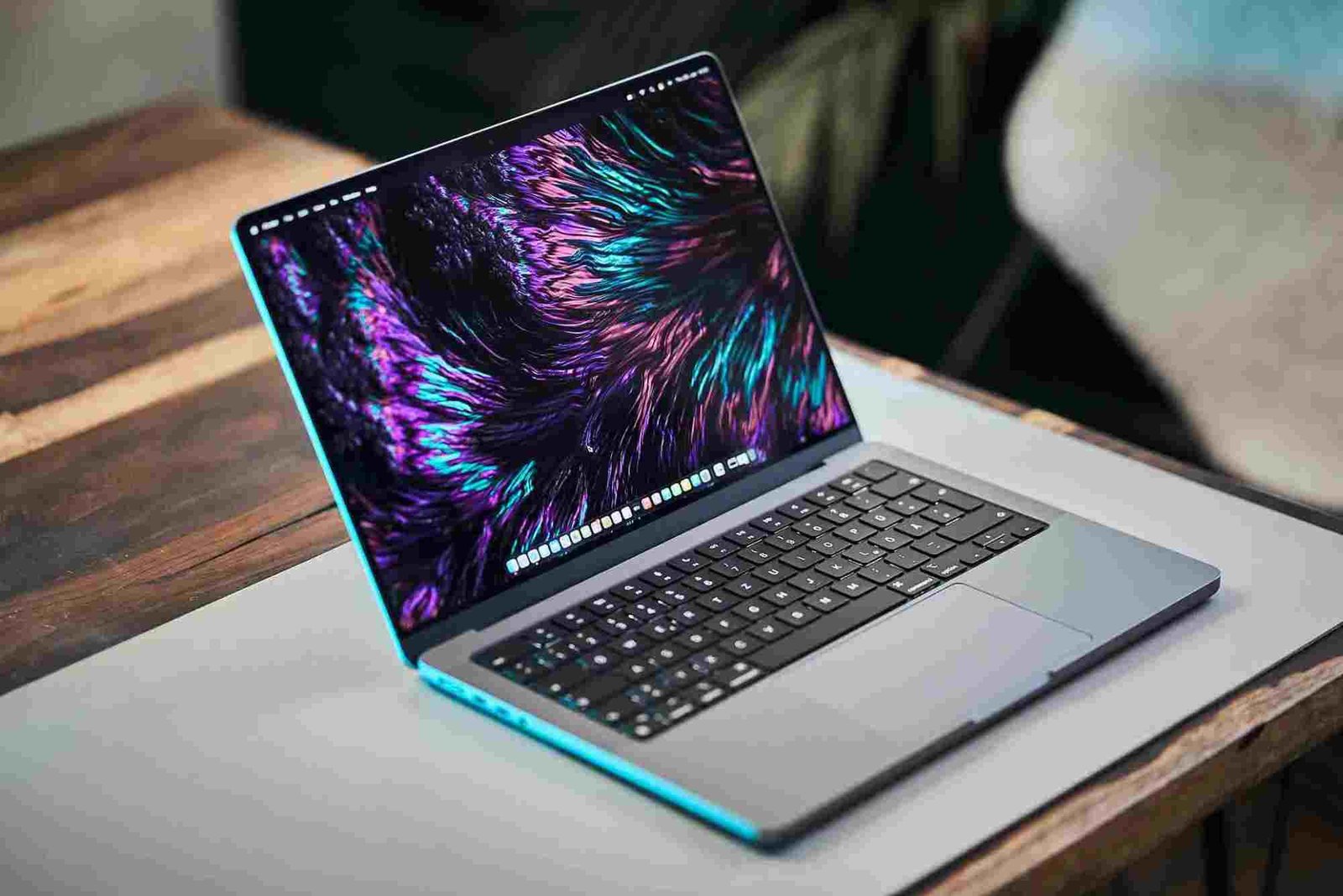
Introduction
Choosing the right laptop as a student is more than just picking a device with a sleek design or the latest specs. A student laptop must balance performance, portability, battery life, and affordability to support coursework, projects, and online learning. With so many options in the market, it can be overwhelming to find the perfect fit. This guide provides the best laptop recommendations for students, helping you make an informed choice based on your needs, whether you’re a high school student, college student, or university student pursuing demanding courses.
Key Considerations When Choosing a Student Laptop
Before diving into specific laptop models, it’s essential to understand the factors that make a laptop ideal for students.
Performance and Processor
The processor determines how smoothly a laptop can handle applications like Microsoft Office, Google Workspace, coding tools, or design software. For students:
- Intel Core i5 or i7 (10th generation or higher) offers a balance of power and efficiency.
- AMD Ryzen 5 or 7 is excellent for multitasking and creative tasks.
- Budget laptops can manage with Intel Core i3 or Ryzen 3, suitable for basic assignments and browsing.
RAM and Storage
- 8GB RAM is the standard for students, providing smooth multitasking.
- For heavy tasks like video editing, programming, or running virtual machines, 16GB RAM is preferable.
- SSD storage (256GB or higher) ensures faster boot times, quicker file access, and overall responsiveness compared to traditional HDDs.
Display and Portability
- Screen size: 13–15 inches strikes a balance between portability and usability.
- Resolution: Full HD (1920×1080) is ideal for text clarity, research, and streaming lectures.
- Lightweight laptops under 4 pounds are easier to carry between classes.
Battery Life
Students need laptops that last through a full day of classes. Aim for 8–12 hours of battery life to avoid frequent charging during lectures or library sessions.
Build Quality and Keyboard
A durable laptop with a comfortable keyboard is crucial for note-taking and essay writing. Aluminum builds are sturdier than plastic, while backlit keyboards help with late-night study sessions.
Budget Considerations
Student laptops can range from budget-friendly under $500 to high-end models above $1,000. Understanding your primary needs helps allocate your budget efficiently.

Best Laptop Recommendations for Students in 2026
Based on the factors above, here are the top laptop recommendations for different student needs.
Best Overall Laptop: Dell XPS 13
Pros:
- Sleek, lightweight design
- Excellent performance with Intel Core i5/i7
- Stunning 13.4-inch Full HD or 4K display
Why it’s great for students:
The Dell XPS 13 is a premium laptop that combines portability, performance, and battery life. It handles everyday tasks, research, and even light creative work efficiently, making it ideal for most students.
Best Budget Laptop: Acer Aspire 5
Pros:
- Affordable without compromising performance
- AMD Ryzen 5 or Intel Core i5 variants
- 15.6-inch Full HD display
Why it’s great for students:
For students on a budget, the Acer Aspire 5 offers solid performance for note-taking, web browsing, and document work. Its full-sized keyboard and decent battery life make it an excellent value choice.
Best for Creatives: MacBook Air M2
Pros:
- Lightweight and portable
- Powerful M2 chip for design, video editing, and coding
- Retina display with True Tone technology
Why it’s great for students:
Creative students who work with graphic design, video projects, or software development will appreciate the MacBook Air M2’s power and long battery life. Its macOS ecosystem is ideal for productivity and professional work.
Best for Gaming & High-Performance Tasks: ASUS ROG Zephyrus G14
Pros:
- AMD Ryzen 7 processor with high-end GPU
- Compact gaming laptop with 14-inch display
- Excellent performance for demanding applications
Why it’s great for students:
Students who need a laptop for gaming or performance-intensive software like CAD, video editing, or 3D modeling will benefit from the ASUS ROG Zephyrus G14. Despite being a gaming laptop, it’s lightweight enough for campus use.
Best for Portability: HP Spectre x360
Pros:
- 2-in-1 convertible design
- 13–14 inch Full HD display
- Long battery life and premium build
Why it’s great for students:
The HP Spectre x360’s versatile design allows students to use it as a laptop or tablet, perfect for note-taking, drawing, and presentations. Its premium build and portability make it ideal for daily student life.
Tips to Maximize Your Laptop Use as a Student
- Use cloud storage: Services like Google Drive, Dropbox, or OneDrive help keep projects and notes safe.
- Install essential apps: Microsoft Office, Zoom, Slack, or study-specific apps like MATLAB or Adobe Creative Cloud.
- Keep your laptop clean and updated: Regular updates and antivirus software prevent slowdowns and technical issues.
- Invest in accessories: A good backpack, wireless mouse, or external hard drive can enhance your study experience.
Choosing the right laptop for your studies is an investment in your academic success. The best laptop for students depends on your course requirements, budget, and lifestyle. Whether you prioritize performance, portability, or affordability, options like Dell XPS 13, MacBook Air M2, or Acer Aspire 5 cover every need. Take the time to match your choice with your daily tasks and long-term goals, ensuring a smooth and productive academic journey.
FAQs
What is the most important feature in a student laptop?
Performance, portability, battery life, and affordability are the key features. Your course requirements may also dictate the need for higher RAM or storage.
How much RAM do students need in 2026?
At least 8GB is recommended for basic tasks, while 16GB is ideal for programming, video editing, and multitasking.
Is a MacBook worth it for students?
Yes, especially for creative courses or students who prefer macOS. It offers excellent performance, battery life, and a reliable ecosystem.
Can I use a budget laptop for college?
Absolutely. Budget laptops like Acer Aspire 5 or Lenovo IdeaPad provide good performance for writing assignments, browsing, and online learning.
Should I prioritize battery life or performance?
A balance is crucial. Students benefit most from laptops with solid performance and at least 8–10 hours of battery life to last through classes and study sessions.
The Role of Big Data in Decision-Making: Big data plays a crucial role in decision-making by providing organizations with vast amounts of information to analyze patterns, trends, and insights. By leveraging advanced analytics, companies can make faster, more accurate, and data-driven decisions, reducing risks and improving overall business performance.